TimeTree alternative
More than a shared calendar: the TimeTree alternative for the whole family
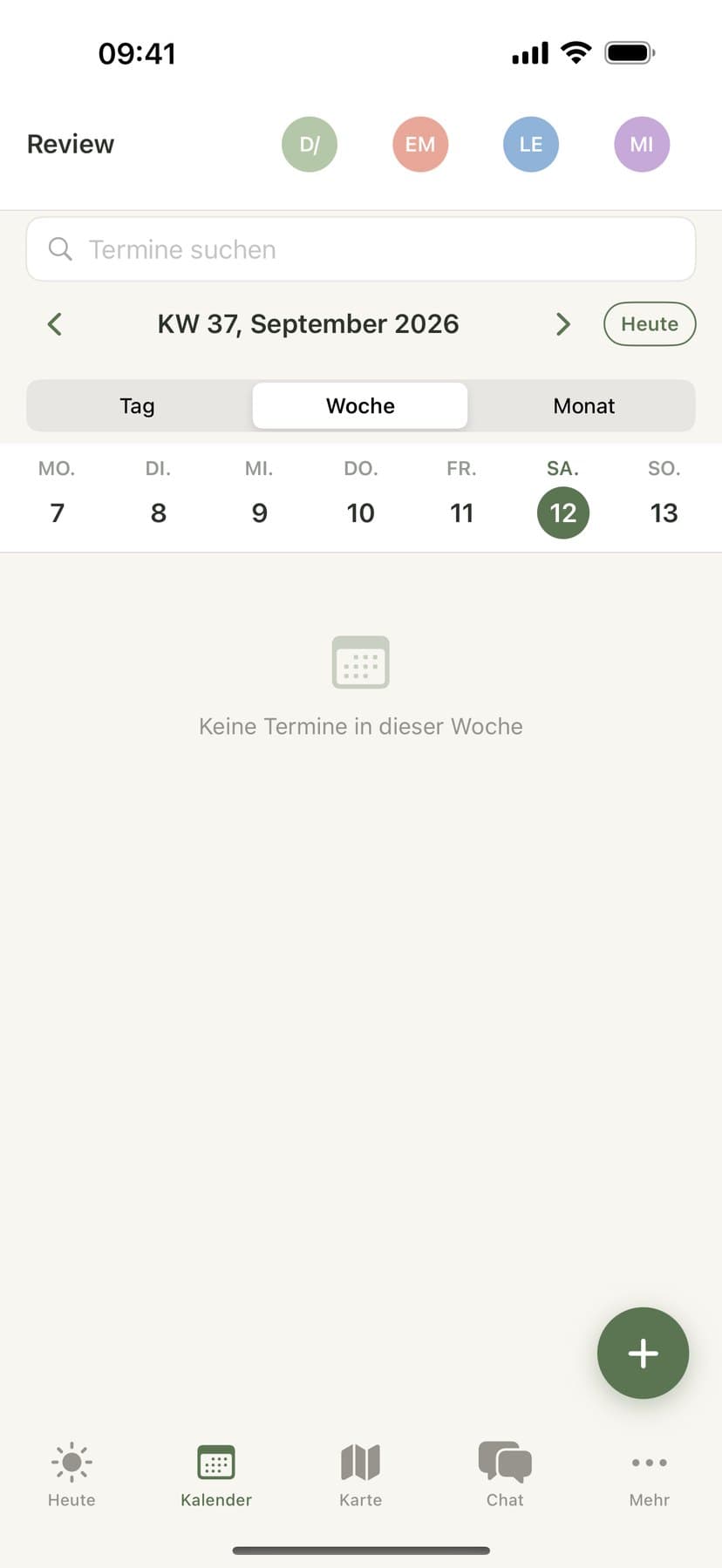
TimeTree is known as a calendar you share. Famora covers everything else around family life too: calendar import, shopping and task lists, family chat, location and a meal plan in one app – with one subscription for the whole family instead of per account.
TimeTree compared: what's actually true, as of September 2026
Both let you share a calendar
According to TimeTree's own help center, sharing with a group is already part of the free plan – creating a calendar, sharing it and managing several calendars all count as basic features there. Famora works the same way: create a family, send an invite link, done – no shared password needed.
TimeTree Premium is per account, not per family
TimeTree Premium costs, by TimeTree's own figures, €2.99/month or €29.99/year (prices vary by region and store, as of September 2026), and it's explicitly billed "per account" – TimeTree itself states there is no shared family plan. A Famora subscription covers the whole family: every member is included in one price.
TimeTree doesn't export its own events
According to TimeTree's own help article on external calendars (as of September 2026), events created directly in TimeTree can't be exported in bulk – you have to "copy them individually" to move them to another app. Only a calendar already stored on your phone (like a synced Google Calendar) that TimeTree merely displays can be exported as .ics directly from Google or Apple.
TimeTree runs in the browser, not as a Windows or Mac app
According to TimeTree's own help article "Use TimeTree from different device," there are three ways in: the iOS app, the Android app, and a web version in the browser – a standalone Windows or Mac app to download isn't listed there. Famora also has a web app at app.famora.one, plus native apps for iOS, Android, Apple Watch and Wear OS.
How to bring your TimeTree calendar to Famora
TimeTree doesn't offer a built-in full export – the right path depends on where your events originally come from.
Check where your events come from
Were events created directly in TimeTree, or does TimeTree just display a Google or phone calendar you already had? You can see this in TimeTree's calendar filter: externally displayed calendars can't be edited, have items added, be commented on, or get photos attached there.
Export the file
If the calendar comes from Google or from your iPhone/Android itself, export it there as an .ics file (Google Calendar: Settings → Export calendar; Apple Calendar: share or export the calendar). If events were entered directly in TimeTree, there's no full export for those according to TimeTree – re-enter the most important ones, especially recurring events, once in Famora.
Import or subscribe in Famora
Upload the .ics file in Famora under Calendar → Import calendar: Famora shows a preview of all events, including any possible duplicates, and you confirm what gets added. For a calendar that keeps changing, you can instead add its subscription address in Famora as an external calendar – import with no plan limit, a subscription for 1 to 10 external calendars at once depending on your plan.
What Famora offers beyond the calendar
TimeTree's own pages describe a calendar app with comments and photos on events. Famora is built as a complete family routine – verified in our own code, not just promised:
Shopping and task lists
Shared shopping and task lists, synced in real time across every device in the family – when someone checks something off, everyone sees it instantly.
Family chat
A dedicated chat for each family, with attachments and smart suggestions (like creating an event directly from a message) – separate from SMS or other messengers.
Location and arrival
From the Family plan up: live location and geofences that notify you when someone arrives at or leaves school, practice, or home.
Meal plan
A weekly meal plan with recipe suggestions for the whole family, viewable separately from the calendar.
Medication plan
Reminders for recurring medication doses, with an assigned person and escalation if nobody confirms.
On your wrist
Dedicated apps for Apple Watch and Wear OS show the family's next events right on your wrist, no need to reach for your phone.
TimeTree and Famora at a glance
| TimeTree | Famora | |
|---|---|---|
| Pricing model | Premium €2.99/month per individual account (per TimeTree, as of Sept. 2026) | One price per family, from €1.08/month (Basis, billed annually) |
| What's shared | Calendar with comments and photos on events | Calendar, lists, tasks, chat, meal plan – plus location from the Family plan up |
| Calendar import | External calendars can be displayed (per TimeTree, not editable) | File import (.ics) with preview, or an ongoing subscription to an external calendar |
| Calendar export | No full export of your own events (per TimeTree: copy them individually) | Download your own calendar as an .ics file or share it as a subscription address |
| Devices | iOS app, Android app, web browser (per TimeTree – no Windows/Mac app) | iOS, Android, web app, Apple Watch, Wear OS |
Plans for the whole family
Every Famora plan covers the whole family, not per person: Basis (up to 3 members), Family (up to 6), Premium (up to 10, including dictation and read-aloud) and Assistant (up to 20, including Famora Assistant for pickups, a daily overview and conflict alerts). Try any plan free for 14 days, cancel anytime.
Frequently asked questions about switching from TimeTree
- Can I import my TimeTree calendar into Famora?
- According to its own help center (as of September 2026), TimeTree doesn't offer a built-in export for events created directly in TimeTree. If you only had a Google or phone calendar displayed in TimeTree, export that from Google or Apple as an .ics file and upload it in Famora under Calendar → Import calendar – with a preview before it's added. Events entered directly in TimeTree need to be re-created once by hand.
- Does Famora keep syncing with TimeTree, Outlook or Google Calendar?
- No, Famora doesn't offer ongoing two-way sync with TimeTree, Outlook or Google Calendar. You can import an .ics file once, or subscribe to an external calendar as a read-only view (1 to 10 at once, depending on your plan) – and download your own Famora calendar as an .ics file, or add it as a subscription address in another calendar app.
- What does Famora cost compared to TimeTree Premium?
- TimeTree Premium costs, per TimeTree, €2.99/month or €29.99/year per individual account. Famora starts at €12.99/year (≈€1.08/month) for the whole family on the Basis plan, up to €19.99/month on the Assistant plan – one price covers every member, not each account separately. Every plan starts with a 14-day free trial.
- Is Famora available for Windows or Mac?
- Famora runs as a web app at app.famora.one in any modern browser on Windows and Mac – like TimeTree's own web version, which according to TimeTree's help center is the only desktop option there. There are also native apps for iOS, Android, Apple Watch and Wear OS.