New: Install Famora as a Desktop App
From now on, Famora doesn't just live on your phone — it runs directly as an app on your computer, installed with a single click, no App Store required. Its own icon, its own window, lightning-fast access to calendar, lists and chat. Here's how it works and what it means for your family.
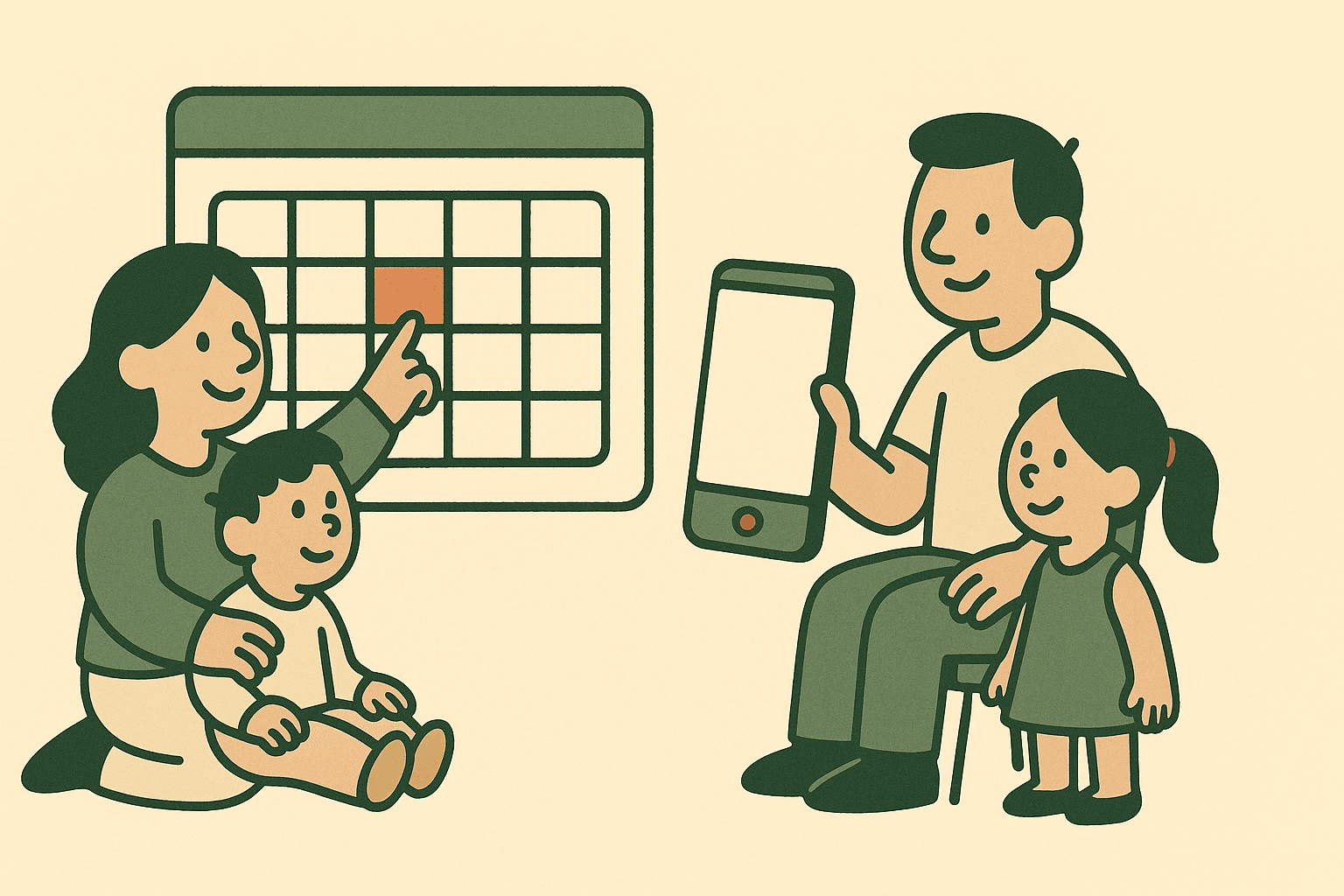
There's one place where the family really gets organized: the computer at the kitchen table or in the home office. This is where the weekly plan takes shape, the shopping list gets written, the next birthday gets planned. Until now, that meant the browser, somewhere between twelve open tabs. From now on, you can install Famora directly as an app on your computer — with a single click, no detour through a store.
What's new
Famora is now an installable web app (known as a Progressive Web App). That means you don't need to download anything from the App Store or Google Play. You install Famora directly from the website — and from then on, it behaves just like a regular program on your computer.
How it works
Done in a few seconds:
- Open app.famora.one in Chrome or Edge.
- Click "Install" — either the small icon on the right of the address bar, or the button under *More → Settings*. On famora.one you'll also find the new "Web App" badge next to the app store icons.
- Done. Famora gets its own icon — on the desktop, in the start menu, or in the dock.
- One click on the icon, and Famora opens in its own window, straight to your family page.
It works on your smartphone or tablet too: tap "Add to Home Screen" in the browser menu — and Famora sits right alongside your other apps.
What it means for you
The desktop app isn't a new program you have to maintain — it's the same Famora, just faster to reach:
- One click instead of tab-hunting: your own icon, and you're in instantly — no opening the browser, no digging through bookmarks.
- Its own, calm window: Famora runs on its own, without an address bar or a jumble of tabs. Focused on what matters.
- Always up to date: updates arrive automatically via the website — you never have to reload anything or update from a store.
- Works offline too: pages you've already opened stay reachable if the connection wobbles.
- No store needed: no waiting, no approval, no extra accounts — installed directly from famora.one.
- The same data everywhere: calendar, lists and chat stay in sync with your phone and smartwatch — you just switch devices, not your overview.
- Private by design: GDPR-compliant, hosted in Germany, ad-free — as a desktop app too.
Who benefits most
If you like handling family organization on the big screen — getting an overview of the weekly plan, entering several appointments in a row, calmly maintaining the shopping and to-do lists — the desktop app is exactly right for you. You'll have Famora permanently within reach, like a calendar that's always open on your desk.
Install it now
Give it a try — it takes less than a minute:
👉 Open app.famora.one in Chrome or Edge and click "Install".
That's how you keep your family life in hand with a single click — on your computer, your phone and your watch. Enjoy the faster Famora! 💚